noctua runs an MCP server, so your AI assistant can send what it writes straight to your podcast feed: a summary of a long paper, a research briefing, a catch-up on a thread. Ask for it, then listen on your next walk.
Set it up in Claude
Open connectors. In Claude Desktop or Claude on the web, open Settings → Connectors.
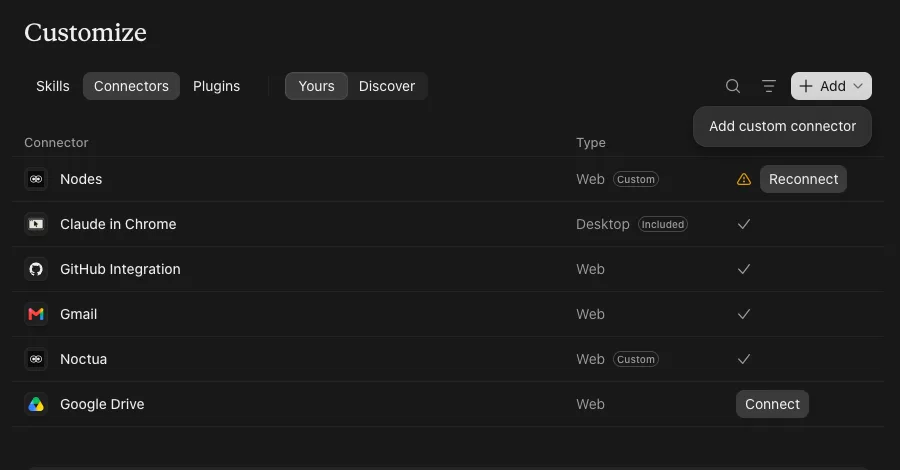
Add a custom connector. Click Add custom connector and paste the server URL:
https://api.cast.noctua.uno/mcpLeave the advanced settings alone; noctua handles sign-in with OAuth.
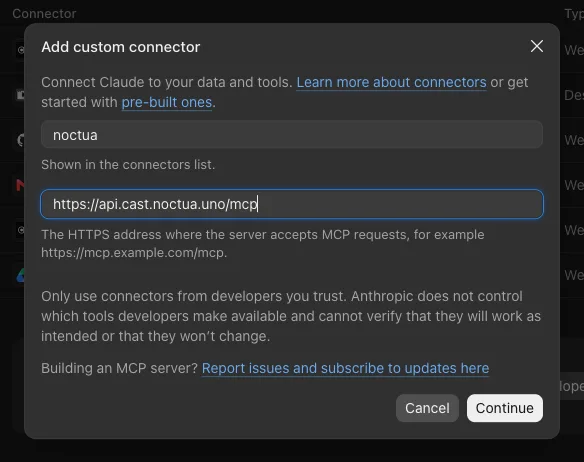
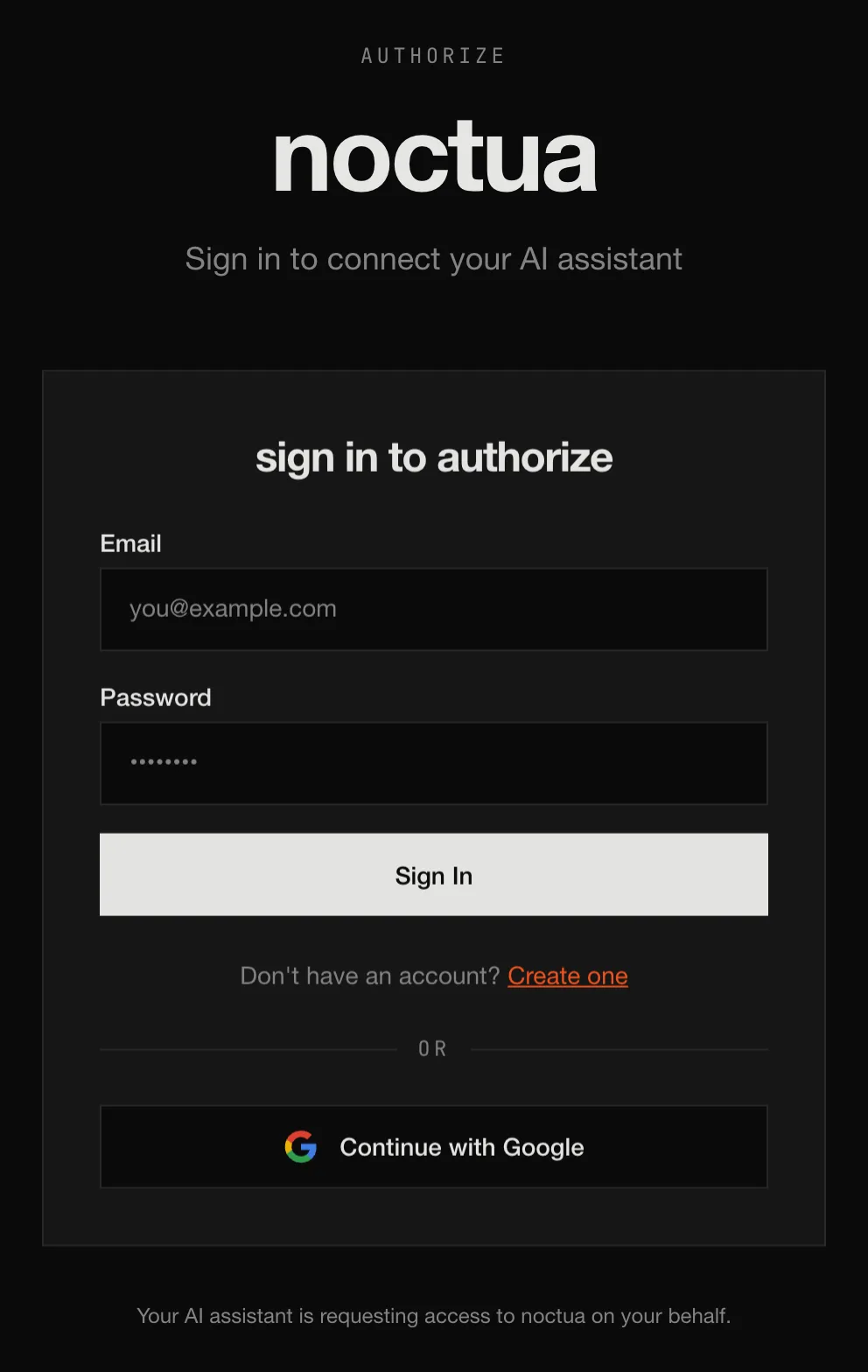
Sign in. Claude opens a tab to sign in to noctua with your usual account. Approve the connection and the connector is ready, with no restart.
Try it. Ask Claude to summarise something and “send it to noctua”. It confirms, and the edition appears in your feed within a few minutes.
Other AI apps
The same URL works in any MCP client that can add a remote server, including Cursor and Continue. Point it at https://api.cast.noctua.uno/mcp.
What your assistant can do
convert_text_to_audio: send text or markdown to become an edition.list_episodes: see what’s already in your feed.get_episode_status: check whether a conversion is ready.
Good to know
- One credit per conversion, the same as every other route.
- Up to 500,000 characters per submission.
- You choose the title and author, or let your assistant pick sensible ones.