The plugin works in Obsidian on desktop and mobile.
Set it up
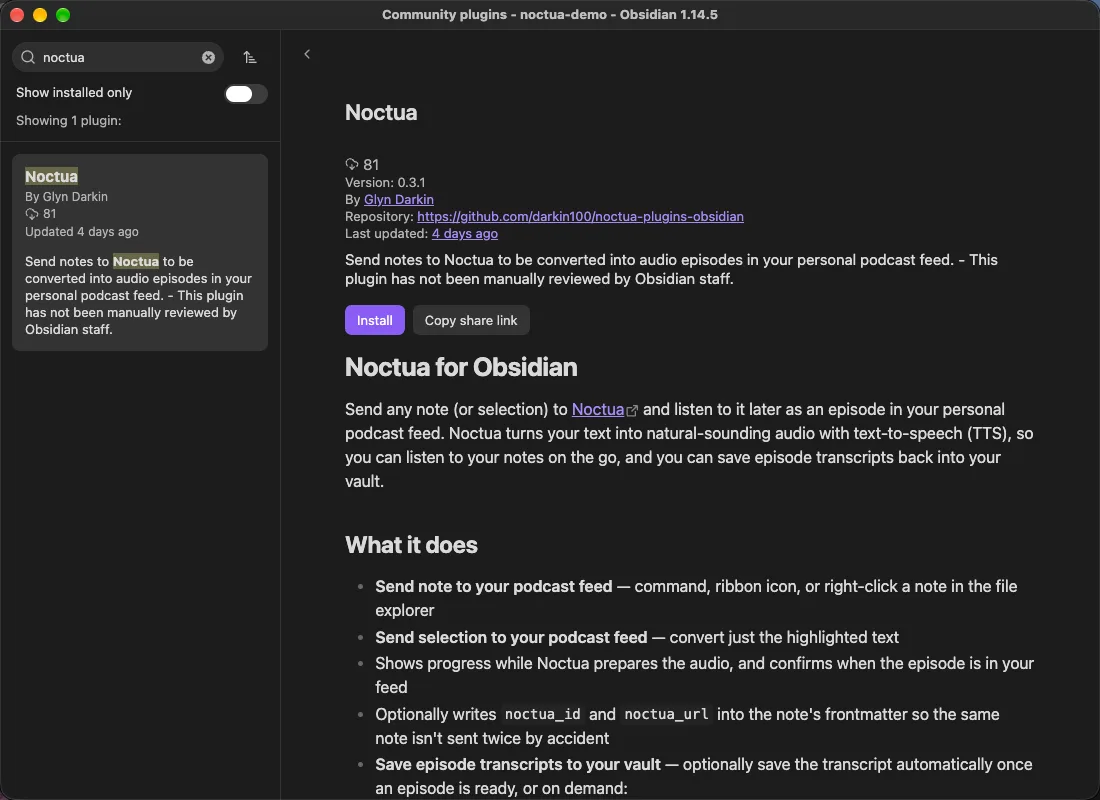
Install the plugin. On a device with Obsidian installed, open obsidian://show-plugin?id=noctua, then click Install and Enable. You can also search for “noctua” under Settings → Community plugins → Browse.
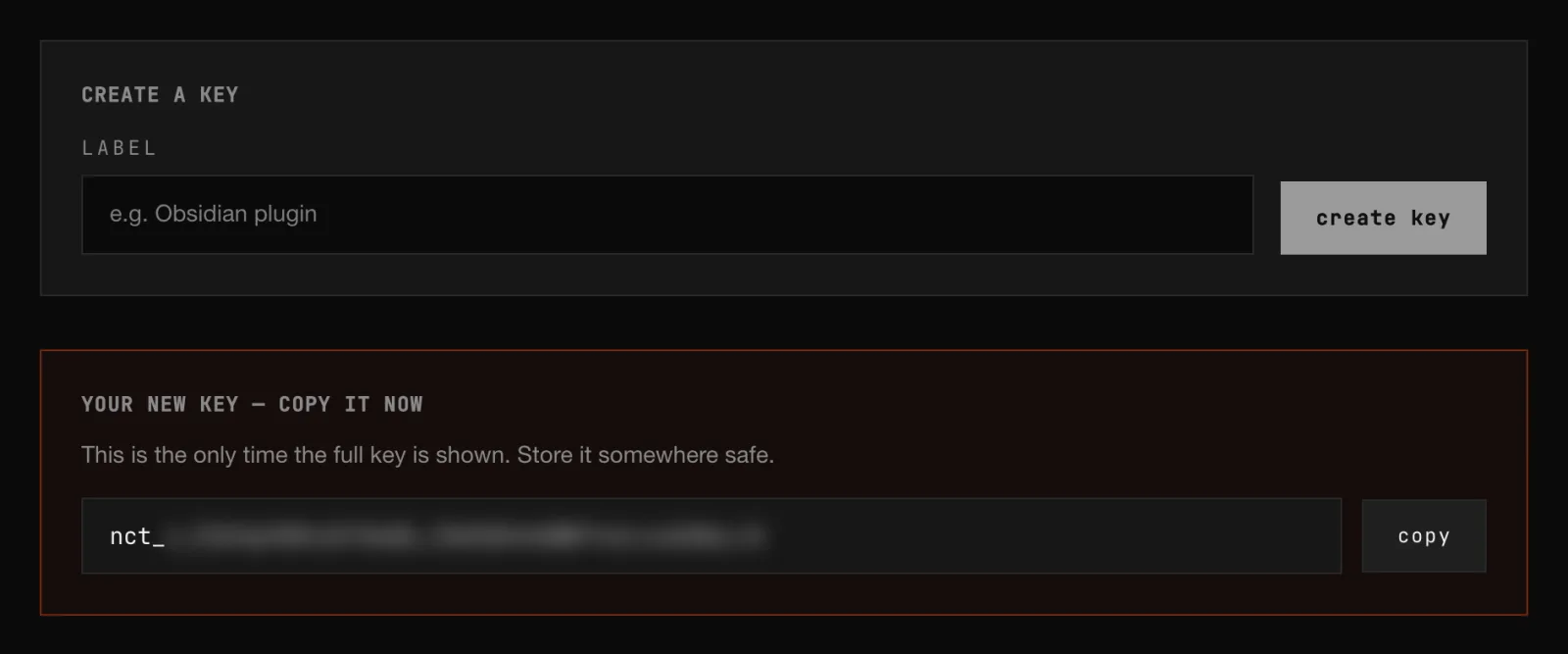
Create an API key. Sign in at cast.noctua.uno, open Settings → API keys and create a key labelled “Obsidian”. Copy it straight away: it’s only shown once.
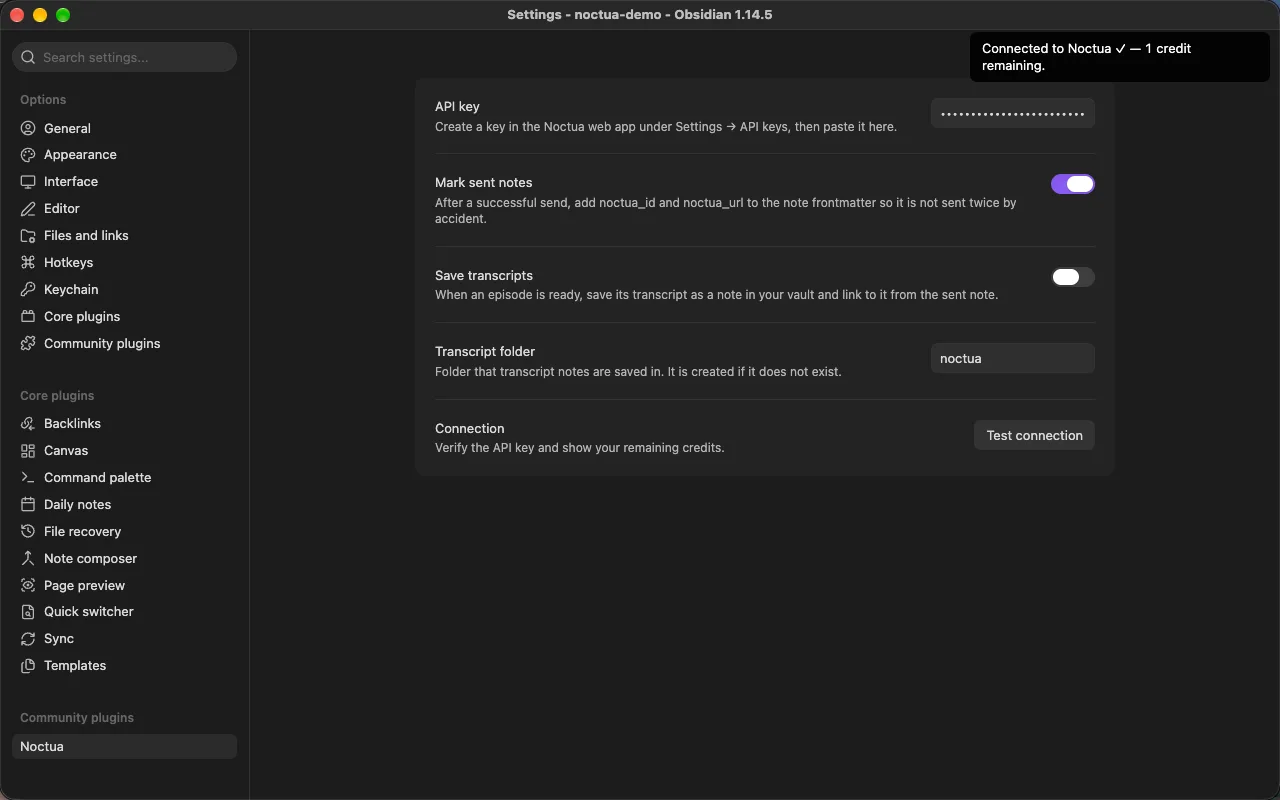
Connect. In Obsidian, open Settings → Noctua, paste the key and click Test connection. You’ll see a confirmation and your remaining credits.
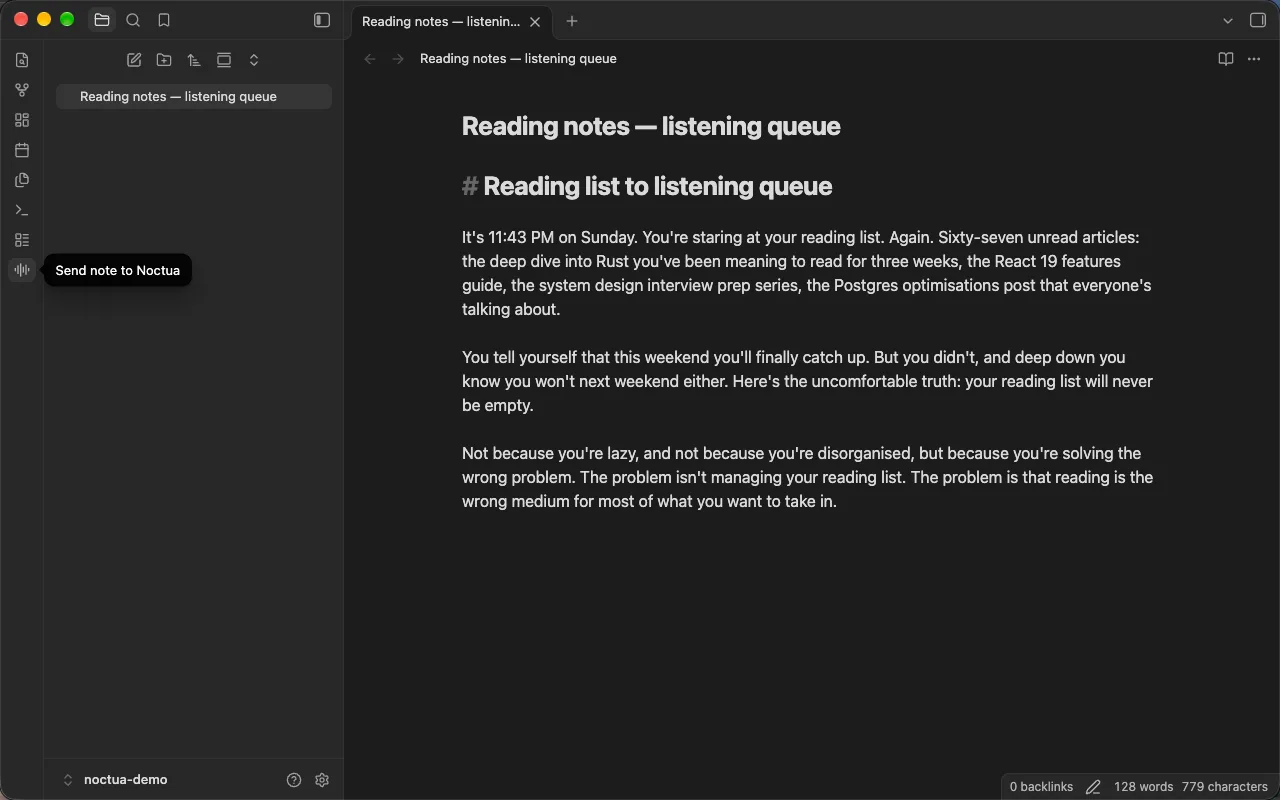
Send a note. Open any note and click the noctua icon in the ribbon. A minute or two later the edition is in your podcast app.
Ways to send
The whole note: the ribbon icon, the command palette (Send note to your podcast feed), or right-click a note in the file explorer and choose Send to Noctua.
Just a selection: highlight a passage and run Send selection to your podcast feed.
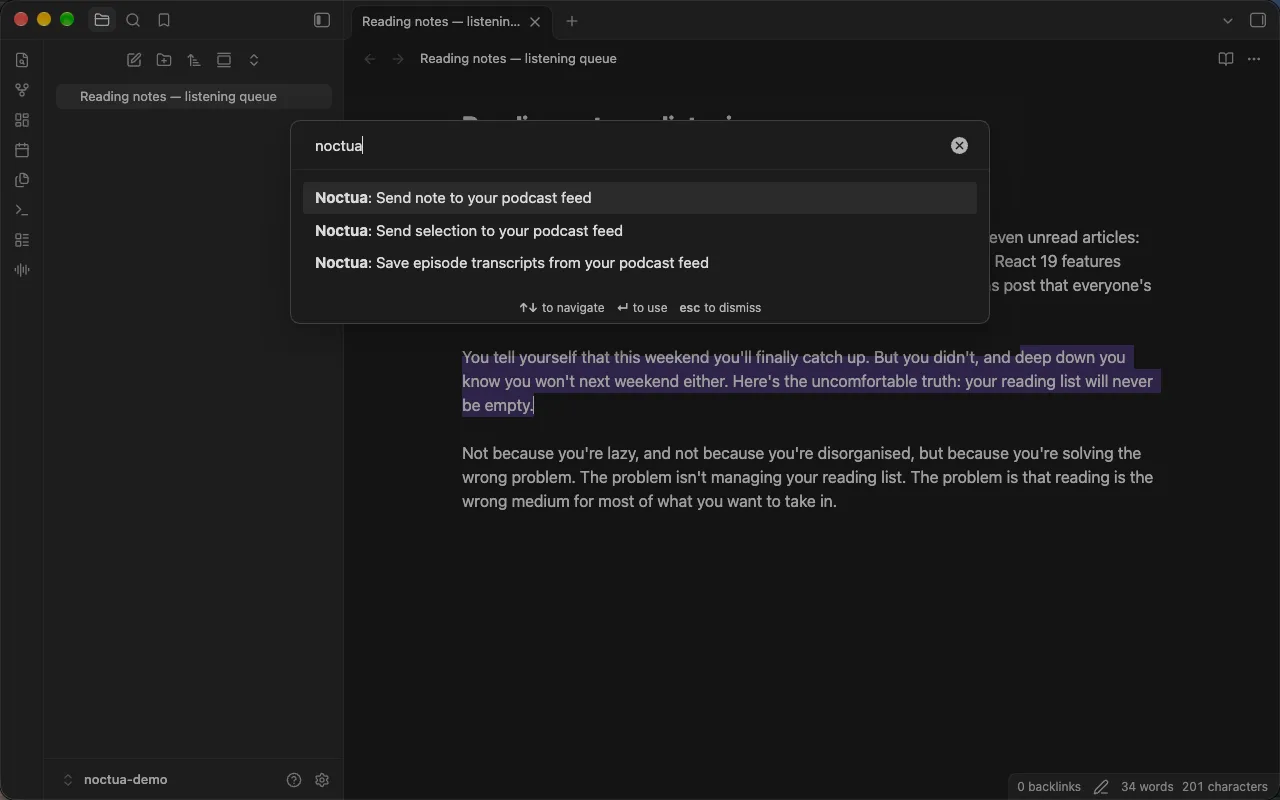
Transcripts back into your vault: turn on transcript saving and each edition’s transcript is written into your vault, with frontmatter and a link back to the source note.
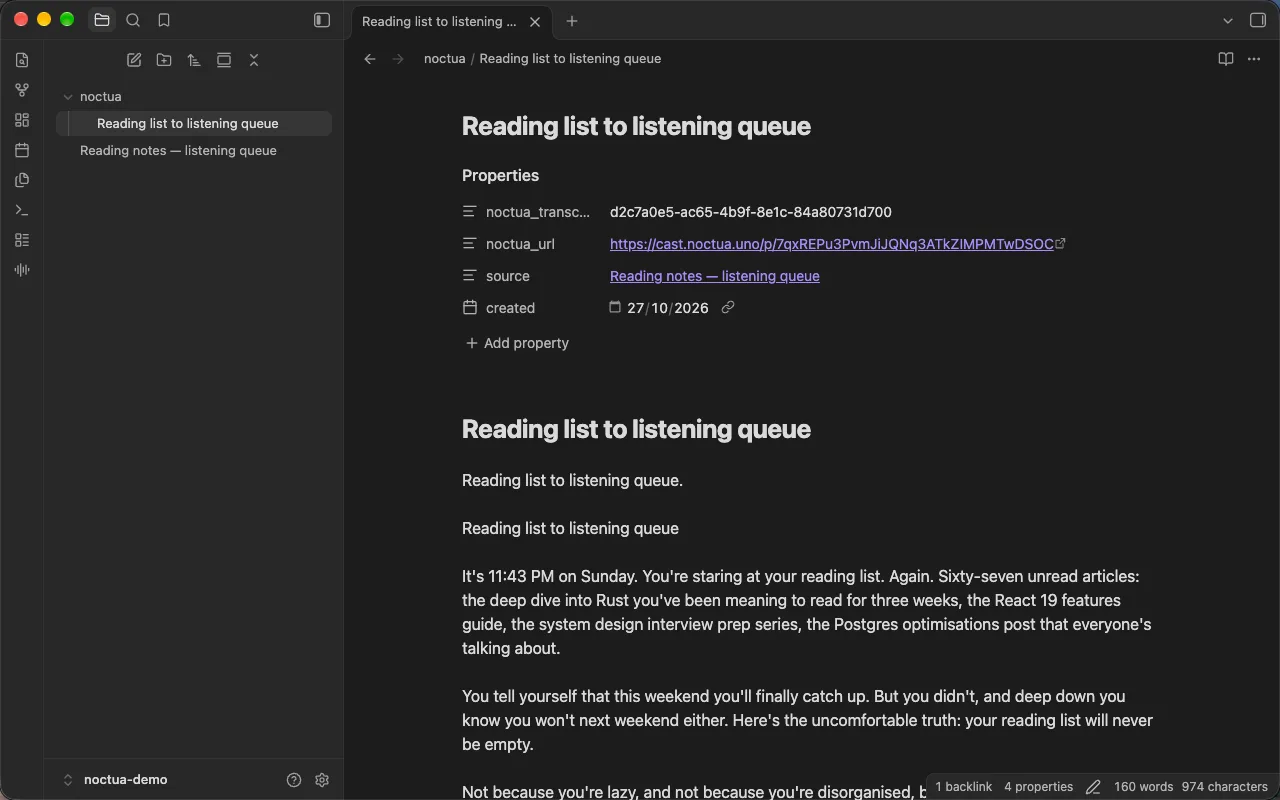
noctua titles the edition from the note’s frontmatter title, then its first heading, then the file name. Frontmatter is stripped before sending, so you won’t hear your YAML read aloud.
Good to know
- One credit per send. A failed conversion refunds its credit automatically.
- Nothing runs in the background. The plugin only contacts noctua when you send something, and collects no analytics.
- Your key stays private. On Obsidian 1.11.4 and later it lives in Obsidian’s secret storage; on older versions it’s saved in the plugin’s settings inside your vault.
- Up to 500,000 characters per send.