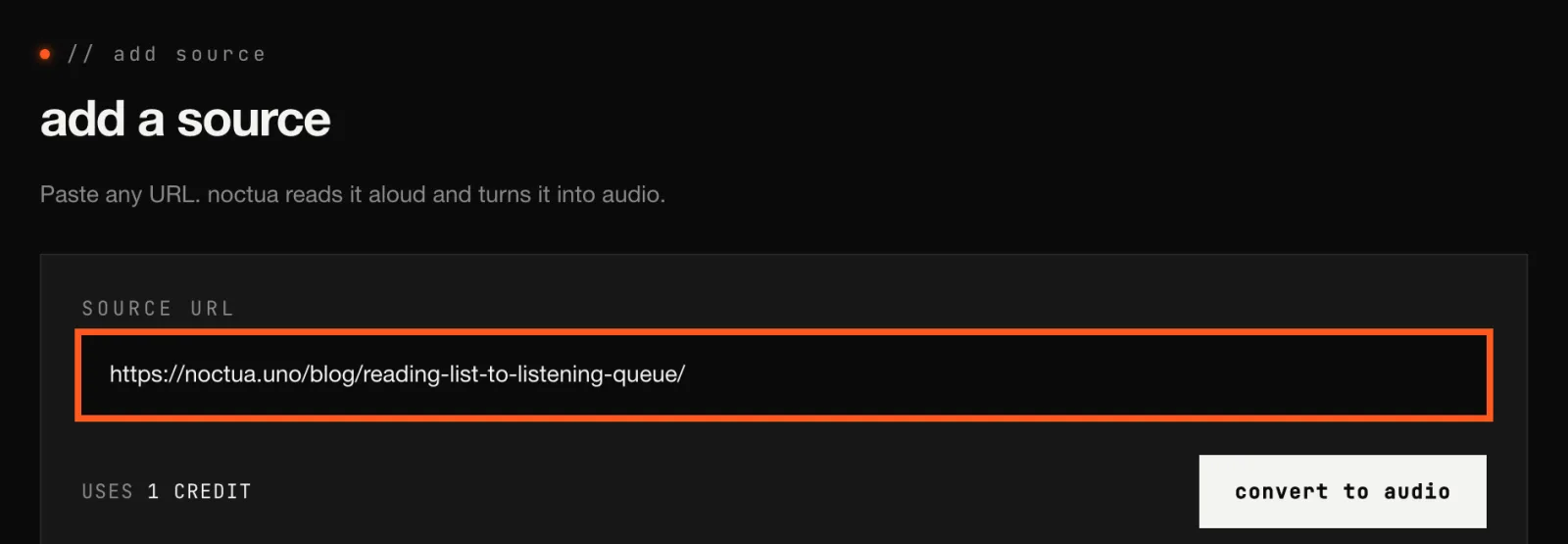
The simplest route: copy the link to a public page, paste it into noctua, and it becomes an edition in your feed. You can paste text or markdown in the web app the same way.
Send a page
Sign in at cast.noctua.uno.
Paste the link to the page and confirm.
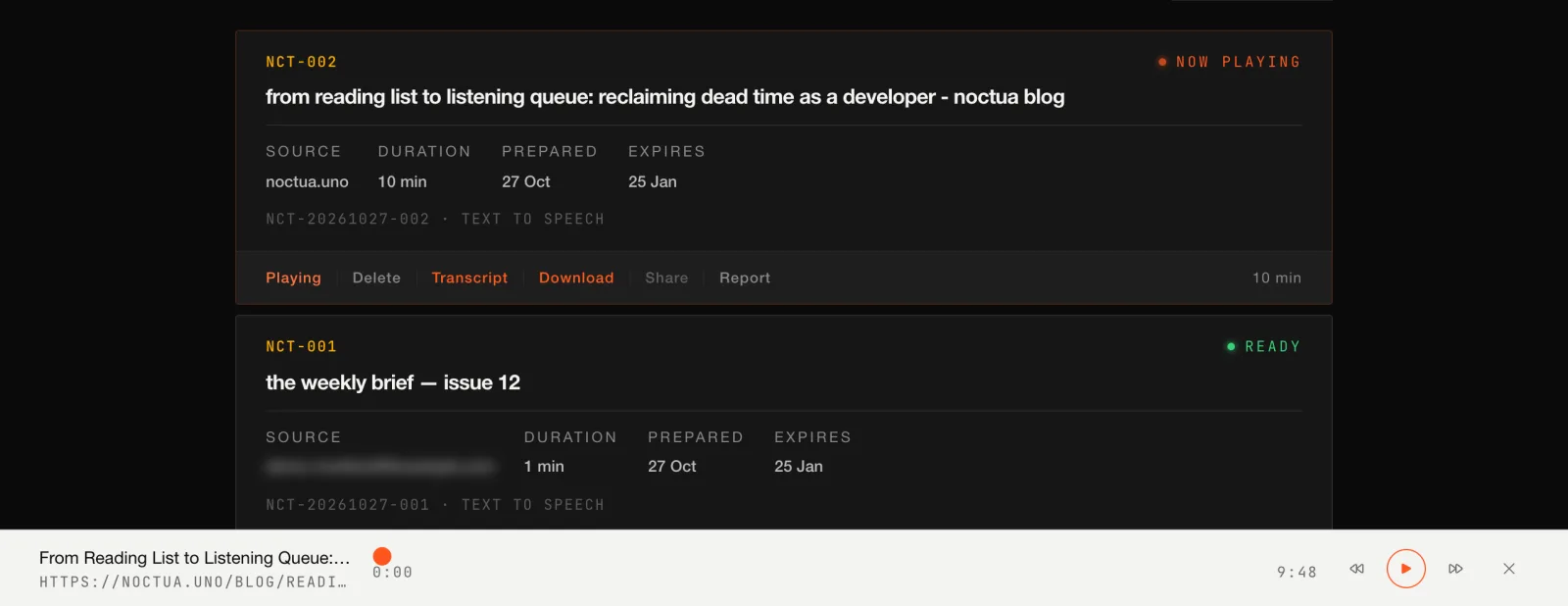
Listen. The edition is ready a few minutes later, in your podcast app and in the browser player.
Good to know
- Public pages only. noctua can’t read pages behind a login or a paywall. Use the Chrome extension for those: it sends the text from your own tab.
- Prose reads best. Essays and articles suit audio; pages that are mostly code, tables or images are better read at a desk.
- One credit per page. A failed conversion refunds its credit automatically.